
Someone lands on your store from an ad. They look around for ten seconds. They don't see what they're looking for fast enough, and they leave. No message, no complaint, nothing in your inbox. You don't even know they were there.
This happens on the vast majority of e-commerce visits. Industry data consistently shows that around 70% of visitors leave without buying anything. The usual advice is to optimize the funnel — better photos, a faster checkout, a brighter button. All useful. None of it addresses the actual gap: there's no one there to answer the one question that would have closed the sale.
That gap has a name now. It's called an AI shopping assistant.
What Is an AI Shopping Assistant
An AI shopping assistant is software that lets a shopper describe what they want in plain language, and get a real answer — not a list of filters to click through. Instead of typing keywords into a search bar and hoping the results match, the shopper says something like "I have sensitive skin and want a fragrance-free moisturizer," and the assistant interprets the request, asks a follow-up if needed, and recommends specific products from the catalog.
The model that proved this works at scale is Amazon's Rufus, which the company merged into a single Alexa Shopping Assistant in 2026. Amazon's own reporting credits Rufus with driving billions of dollars in incremental annual sales, and shoppers who used it were reported to be significantly more likely to complete a purchase than those who didn't. Walmart followed with its own assistant, Sparky. Both moves point to the same conclusion: the largest retailers in the world have decided that conversation, not navigation, is the next interface for online shopping.
How Is This Different From a Chatbot
Most stores that have an AI tool already have a chatbot, and it's worth being precise about why an AI shopping assistant is a different category.
A chatbot is reactive. It waits for a question — "What are your shipping times?" — and answers it. It's a faster FAQ page, useful for support, but it doesn't initiate, doesn't qualify the shopper's need, and doesn't try to move them toward a purchase decision.
An AI shopping assistant is proactive, closer to a salesperson than a support agent. It opens the conversation, asks what the shopper is looking for, narrows down the options, handles the objection that's actually stopping them ("is this safe for sensitive skin," "does this ship internationally"), and points to the specific product that fits. The goal isn't to answer a question. The goal is to close a sale.
How to Add One to a Shopify Store
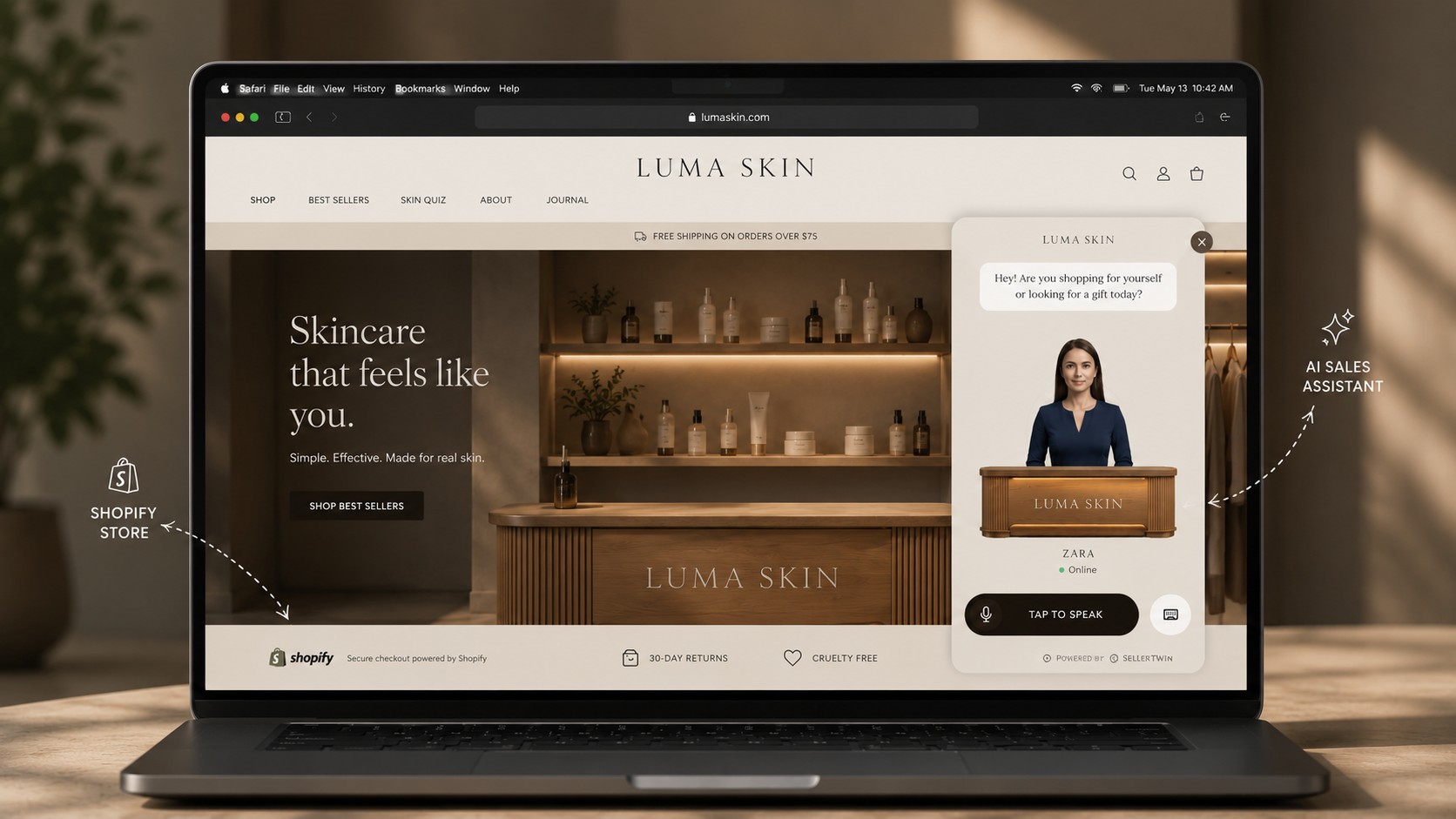
For most independent merchants, the practical question is whether this requires rebuilding the store. It doesn't.
A modern AI shopping assistant installs as a widget — one script tag added to a Shopify theme, no migration, no changes to the existing catalog, theme, or SEO setup. The assistant sits on top of the store rather than replacing any part of it, and removing it later is just as simple as adding it.
The setup itself comes down to three things. First, the product catalog — most tools support pulling products directly from Shopify, so there's no manual re-entry. Second, the personality and voice of the assistant — what it's called, how it sounds, what tone it uses, since this is meant to feel like a person, not a form. Third, the brand knowledge — the answers a real salesperson would know by heart: what makes the product different, how to handle the common objections, which products go well together.
Once that's in place, the assistant runs live on the storefront, answering visitors in real time without anyone behind the scenes.
SellerTwin Handles This End to End
This is exactly what SellerTwin was built to do.
Your store isn't broken. It's just empty. The products are there, the traffic is there — what's missing is the person who would normally greet a visitor, understand what they need, and walk them to checkout. SellerTwin is that person: a voice-and-text AI salesperson, with its own avatar, deployed on your store in minutes through the same one-line widget described above.
It talks to visitors in real time, recommends from your actual catalog, handles objections the way a real salesperson would, and sends the shopper straight to checkout — no migration, no developer required.
You can set one up on your own store here: sellertwin.com/onboarding